When you first open Dailyfy, you’ll be guided by a setup assistant. You can start from a blank page or import an existing Linktree page that you control.
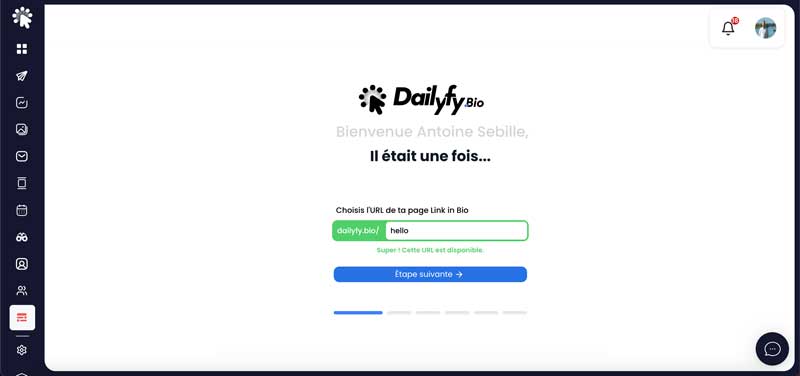
Suggested path
- Choose your address after dailyfy.bio/. It must be available.
- Decide whether you start from zero or import an existing Linktree page.
- Choose a visual template. You can customize it later.
- Select a header style (top of the page).
- Add the page title, a profile photo, and optionally a cover image.
- Add and order your social icons, then complete the assistant.
- In the editor, add your blocks, complete the SEO, check the settings, and publish.