
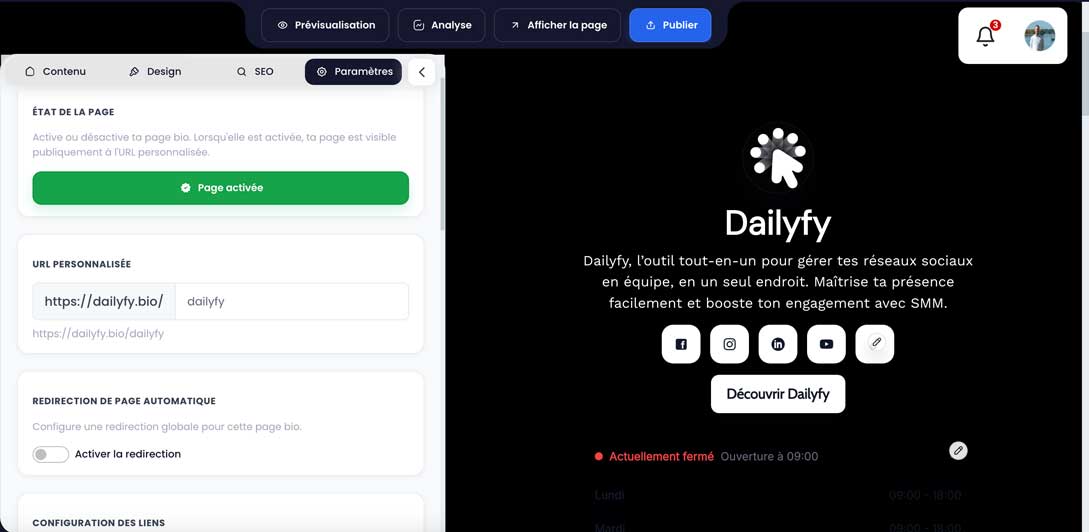
The personalized address is unique. Dailyfy transforms the entered value into a slug: spaces and disallowed characters generally become dashes, accents are normalized, and the result is in lowercase. If the address is already used by another Dailyspace, it is rejected.
- Inventory all places where the old address is used.
- Enter the new value in Settings and check the full address displayed.
- Save, publish and test the new address.
- Immediately replace links in social profiles, campaigns, signatures and QR codes.
- Monitor views and reported errors after the change.