
You can schedule TikTok videos to Tiktok profiles directly from Dailyfy.
To do this, simply follow these steps to connect your Tiktok account:
- Access your DailySpace
- Click on configuration (bottom left in the menu)
- Click on Social Network and then on Account Management
- Select Tiktok logo
- Click on “Add Tiktok Profiles”
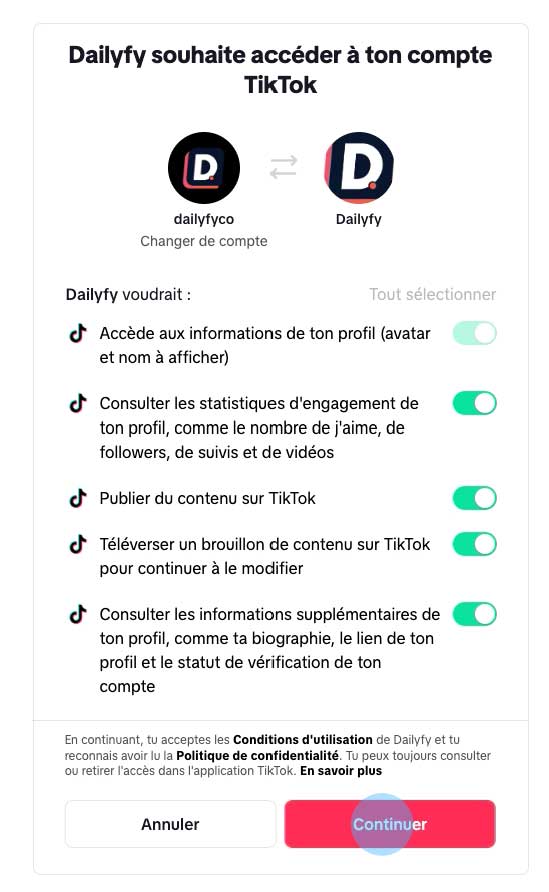
- You will then have to log in to your Tiktok profiles
- Accepts all Tiktok permissions for Dailyfy
- Once the profile(s) have been successfully logged in, it will appear under Account Management.
You can then group the profiles for better organization.