- Log in to the personal Facebook account being the administrator of the Instagram page/profile in question;
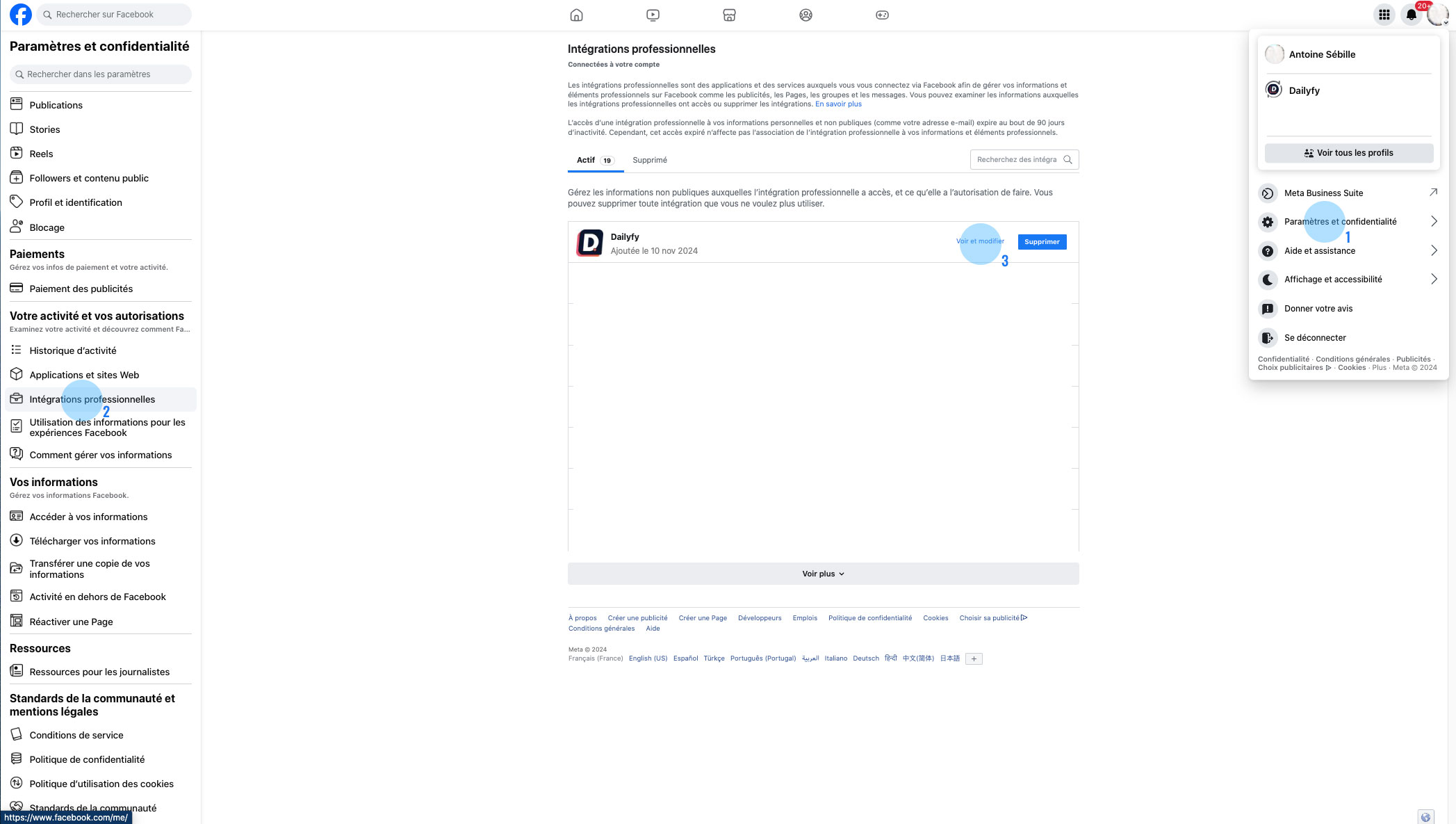
- Click on your avatar (very important, you must not be logged in with a page) at the top right, then on “Settings and privacy”;
- Select “Settings”;
- In the left menu, scroll down to “Professional Integrations” or here
 ;
; - Click on the “View and Edit” button to the left of the delete button.
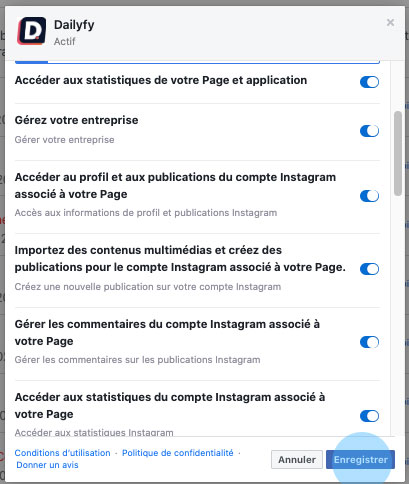
- Check all permissions
- Finally, click on the “Save” button.