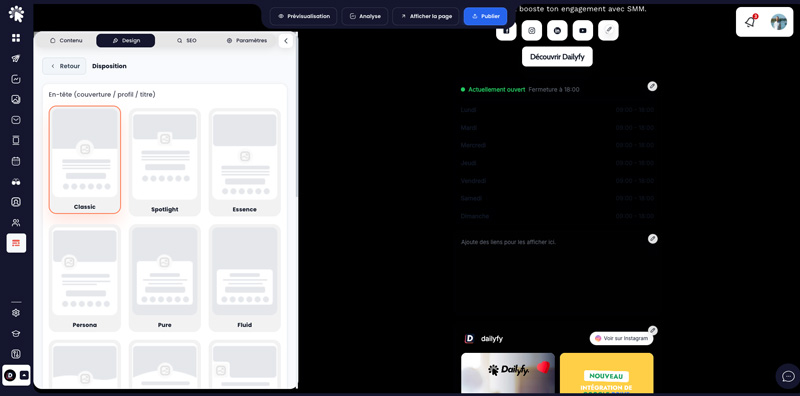
Dailyfy offers nine templates: Classic, Air, Bloom, Breeze, Sunset, Forest, Midnight, Lavender and Citrus. You can also choose from 17 header layouts, then customize colors, fonts, sizes, buttons, icons, and backgrounds.
Recommended method
- Choose the template that most closely matches your universe. The classic template lets you fully customize your page to suit your needs.
- Select a header suited to the shape of your photo and cover.
- Set sufficient contrast between text, buttons and background.
- Standardize button styles and limit the number of fonts.
- Check the result in the preview, then on a real phone and a computer.