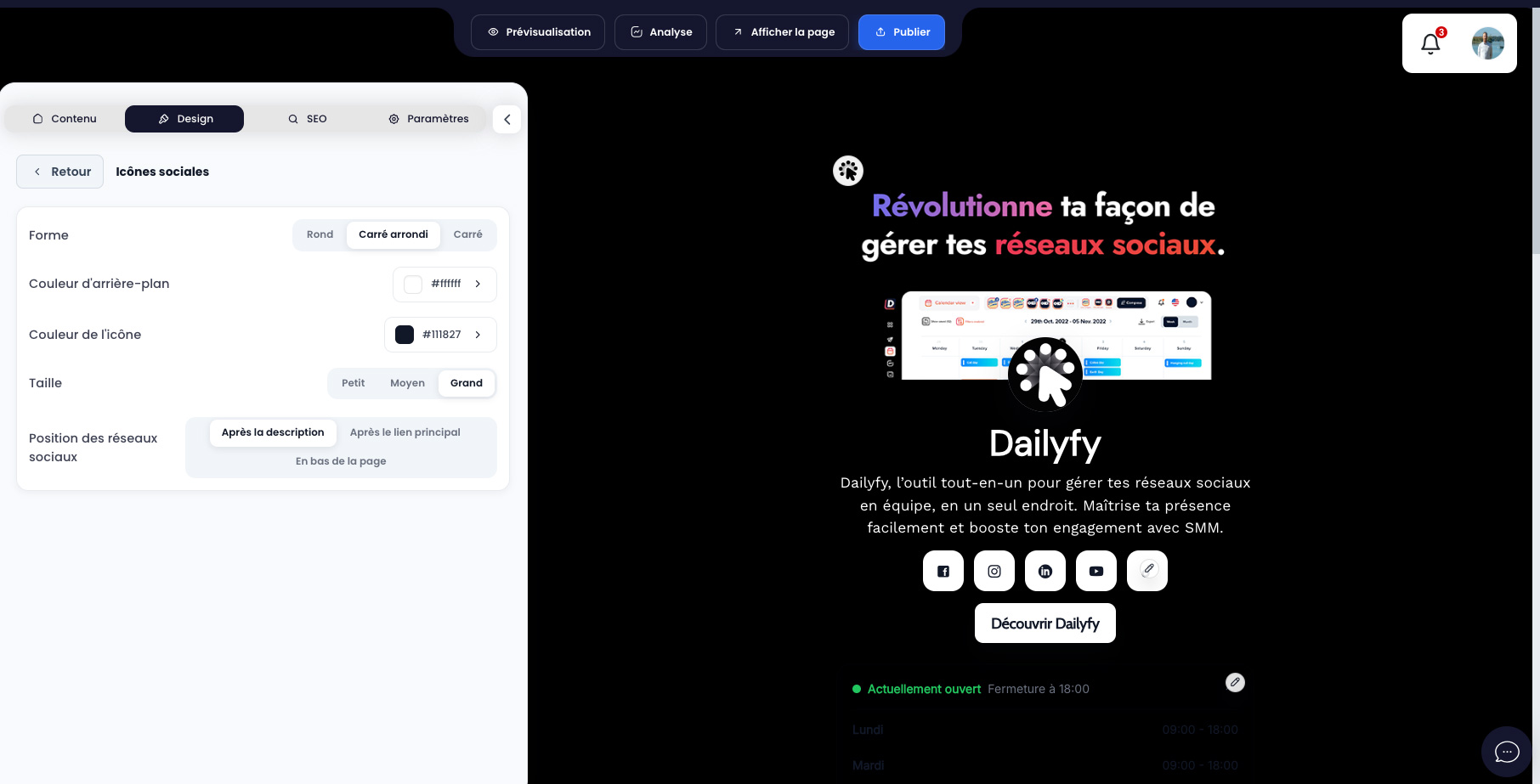
The title, description, profile photo, cover and main CTA make up the page identity. Social icons can appear after the description, after the main site, or at the bottom of the page.
The proposed networks include Facebook, Instagram, LinkedIn, YouTube, Google Business Profile, Pinterest, WhatsApp, TikTok, e-mail, phone, Threads, X, Telegram, Snapchat, Spotify, SoundCloud, Vimeo, Behance, Dribbble, Reddit, Discord, Twitch and GitHub.
- Paste the full profile address for web platforms.
- For email, enter a valid address; for the phone, preferably use international format, for example +33612345678.
- Enable only networks that are actually maintained.
- Test each icon from the public page, especially WhatsApp, phone, and email on mobile.
- You can customize the style and position of your icons from the Design tab, then Social Icons (see below).