
You can connect a Threads profile to Dailyfy to schedule and manage your publications directly from your Dailyspace.
To connect your Threads profile:
- Go to your Dailyspace.
- Click on Configuration, at the bottom left of the menu.
- Go to Social networks, then Managed accounts.
- Select the Threads logo.
- Click on “Add Threads profiles”.
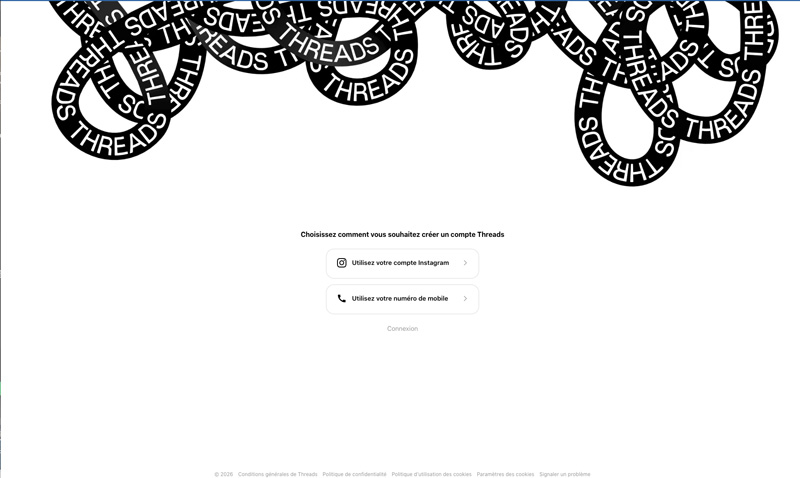
- You will be redirected to Threads. Choose the desired sign-in method: via Instagram, your phone number, or your Threads account.
- Accept the necessary permissions to allow Dailyfy to manage your profile.
- Back on Dailyfy, select and confirm the Threads profile you want to connect.
Done! Your Threads profile is now connected to Dailyfy. You can now schedule and manage your Threads publications directly from your Dailyspace.