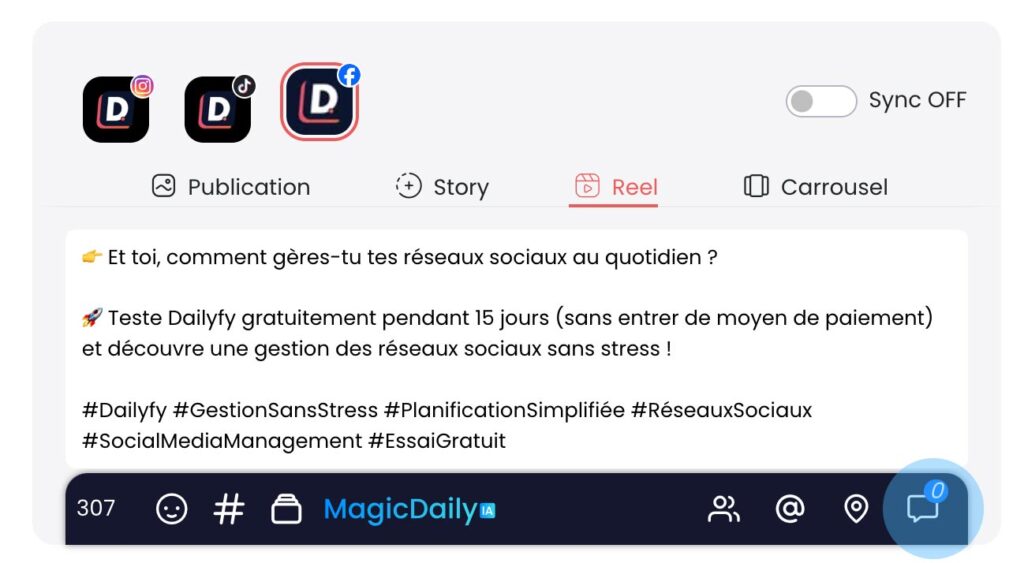
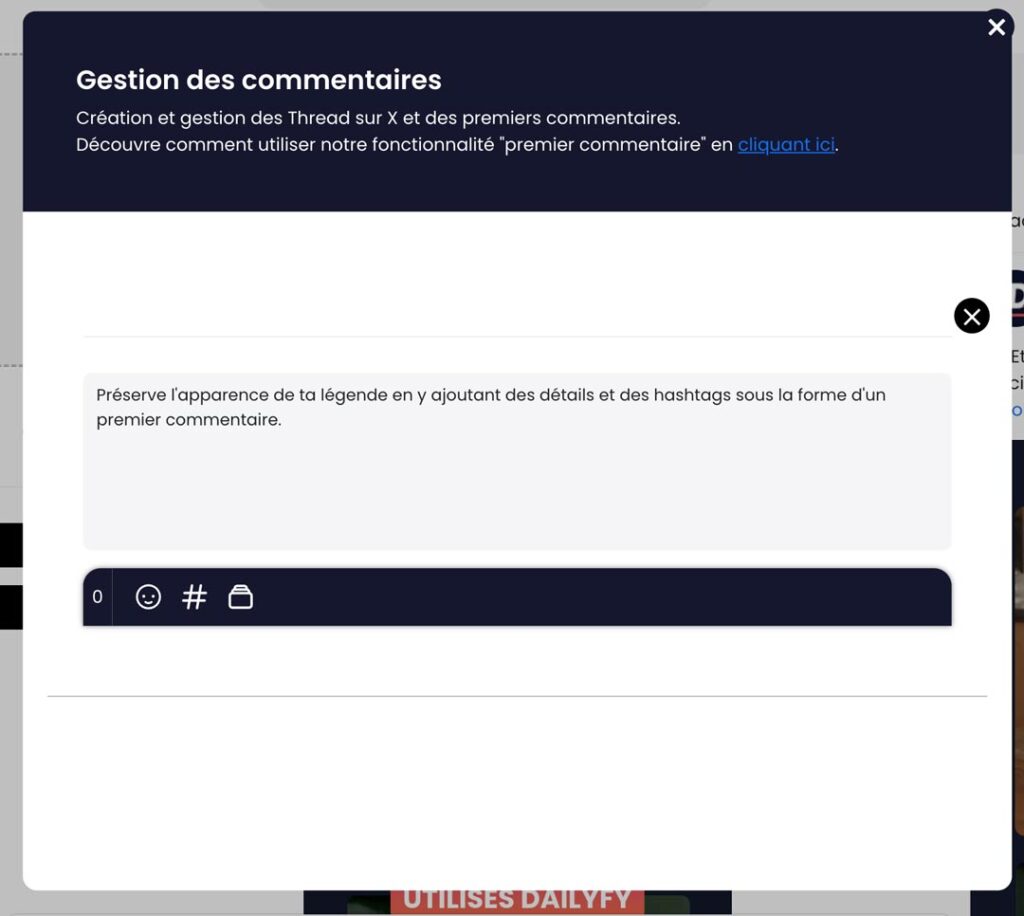
How do I add a first comment to my publication?ÉQÉquipe DailyfyUpdated on February 20, 20251 min read0 viewsArticle contents With Dailyfy, you can add comments to your posts to add hashtags, links, captions or emojis. This feature is compatible with Facebook, X, Instagram, Linkedin and YouTube. How to add a comment Go to the planning/creation page Select your desired profiles from our profile bar. Click on the comment icon in the bottom right-hand corner of the toolbar. In the window, you can write your comment, which will appear below your publication. Each comment can contain anything from text to links and hashtags. You’ll only be able to add one comment, to limit spammy content. With X (Twitter), you can write a first comment or Twitter Threads. For your information To add "First comments" to all selected accounts, you'll need to do this separately by selecting each profile, one by one. × Dismiss this alert. Was this article helpful?YesNot really