
With Dailyfy, you can plan, schedule and publish Facebook reels!
First of all, you need a Facebook account to connect to your Dailyspace.
Dailyfy cannot generate Reels, so we recommend that you create them before uploading them to our tool.
Please observe the following rules:
Before posting a REAL on Facebook, you must follow the rules below:
- Height/width ratio : Reels must have an aspect ratio of 9×16.
- Resolution The recommended resolution for Reels is 1080 x 1920 pixels, but the minimum resolution is 540 x 960 pixels.
- Frame rate Reels must have a frame rate of between 24 and 60 frames per second.
- Duration Reels must last between 3 and 90 seconds.
- File size : Reels must be less than 1 GB in size.
- Video format Reels must be in a supported video format, such as MP4, MOV or AVI.
- Video content: Reels must comply with Facebook community standards
- You can only publish Reels on Facebook pages.
Steps to create a Facebook Reel.
To create your Reel, simply..:
- Go to the planning/creation page (airplane icon)
- Select your Facebook page from our profile bar.
- Select Reels
- Add your tagline
- Import your video with the ratio 09:16.
- Save as draft, plan or publish.
The Reel you upload must already have music/audio added before importing into Dailyfy, due to API limitations. You can also publish a Reel without any sound.
Download a thumbnail
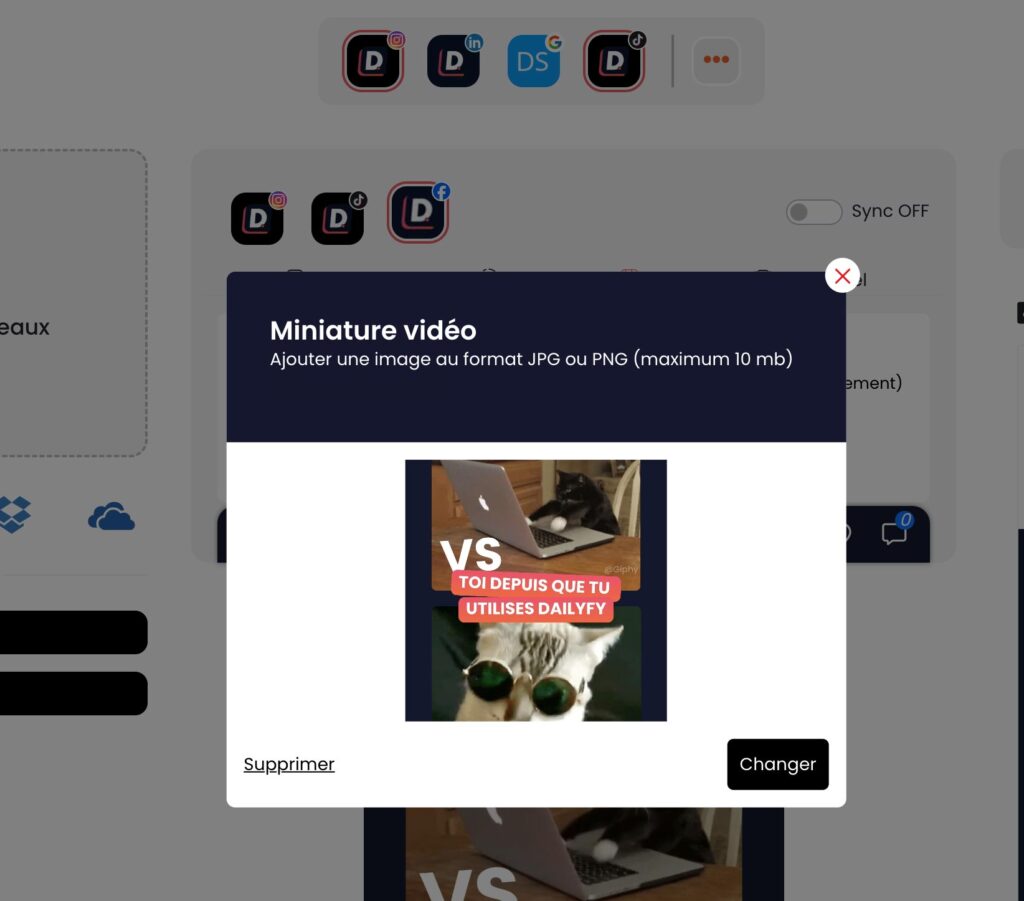
Once you’ve imported your Reel to Dailyfy, you can add a thumbnail to your video.
To do so, simply click on the configuration icon (which appears when you hover over the video). You’ll then be able to download a thumbnail in Reel format (1080 x 1920 pixels) from your computer.
Keep in mind:
When you program a post with a video on Facebook:
- Visit vertical videos go to the Reels section (ratio 9:16)
- The landscape/square videos go into the publications section (in the same place where you create image publications) (ratio 16:9/1:1)
The Synchronization feature
If you also manage an Instagram page in the same Dailyspace, you can choose to group your Reels (as you would publications) on Facebook and Instagram using our synchronization function.
For the time being, due to API limitations, it is not possible to add music, filters or other effects available when creating a Reel in the Facebook application.