
The public page includes a share function. The Settings section also displays a QR code that points to the current Bio address. You can download it as PNG for everyday use or as SVG for sharp large-format printing.
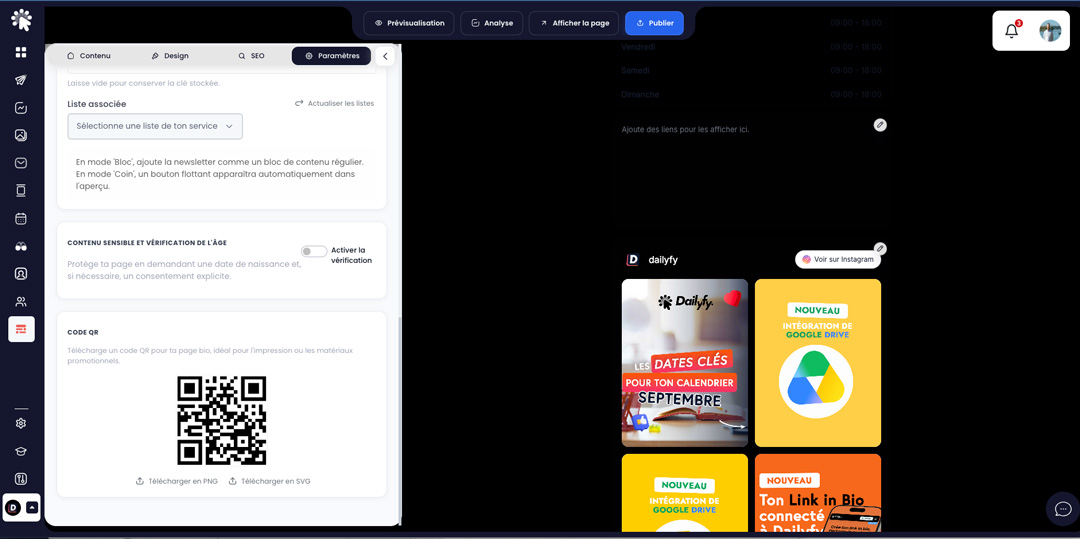
- PNG: convenient for social networks, presentations, and office documents.
- SVG: recommended for posters, storefronts, and professional prints.
- Before printing, scan the code with several phones and verify the address obtained.
- Keep a white margin around the code and do not distort it.
- Do not change the slug after printing the QR code, unless you can replace all supports.
Links generated from the page sharing tools may add a UTM source, especially for the QR code. This helps distinguish certain distribution methods when the destination retains the parameters.