
When UTM tracking is enabled, Dailyfy adds the values entered for utm_source, utm_medium, utm_campaign, utm_term, and utm_content to destinations. If the destination already contains these parameters, the values configured in Bio replace them. The URL anchor, if any, is preserved.
You can configure UTM tracking for your Link in Bio links directly from your page settings:
- Go to SEO Settings
- Enable UTM tracking
- Add your UTM parameters (see the example below)
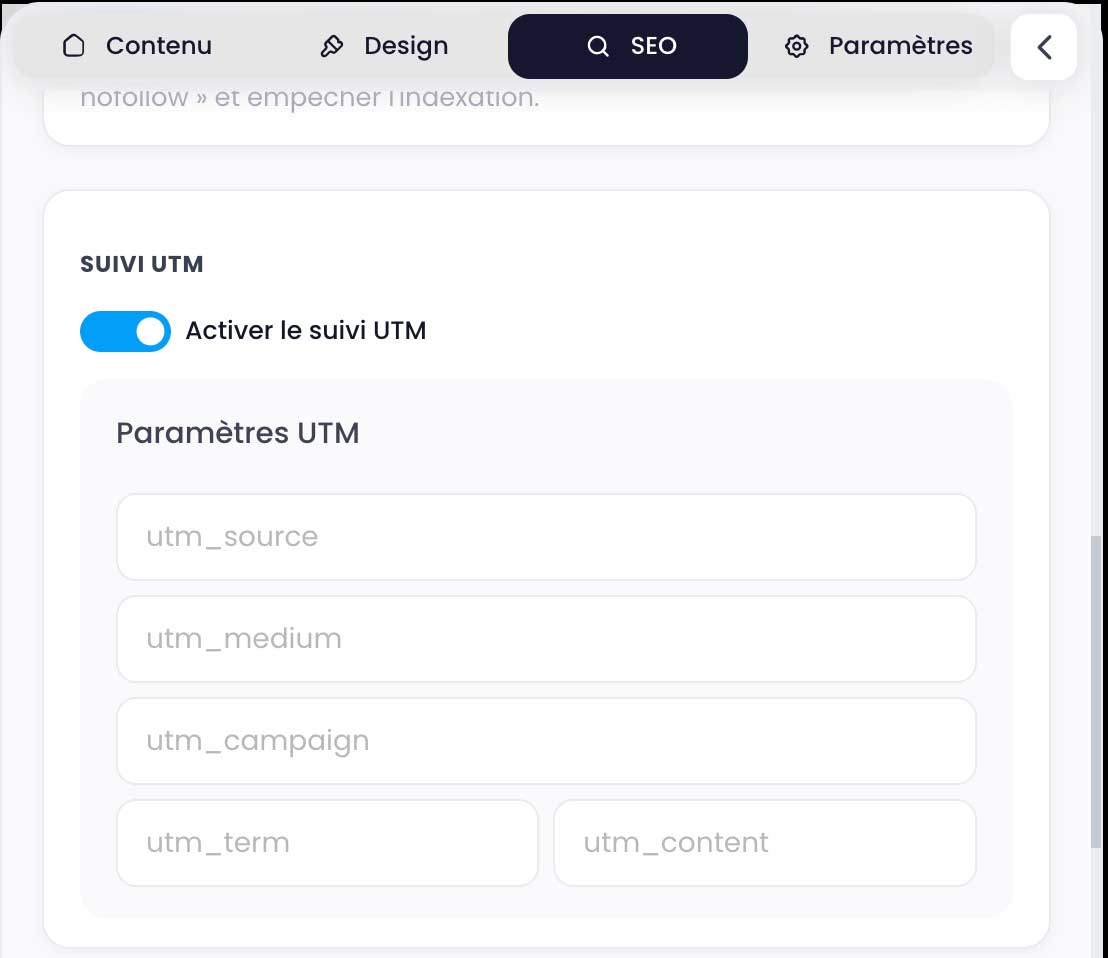
| Parameter | Example | Use |
|---|---|---|
| utm_source | dailyfy_bio | Traffic source. |
| utm_medium | social_bio | Channel type. |
| utm_campaign | autumn_launch | Stable campaign name. |
| utm_term | pro_offer | Segment or optional term. |
| utm_content | catalog_button | Variant or optional placement. |