This feature will allow you to transfer a photo or video attachment into a conversation.
How do I add an attachment to a conversation?
Very convenient for sharing media with your community and customers. With Dailyfy, you can easily add an image or video in addition to your reply to a private conversation or comment.
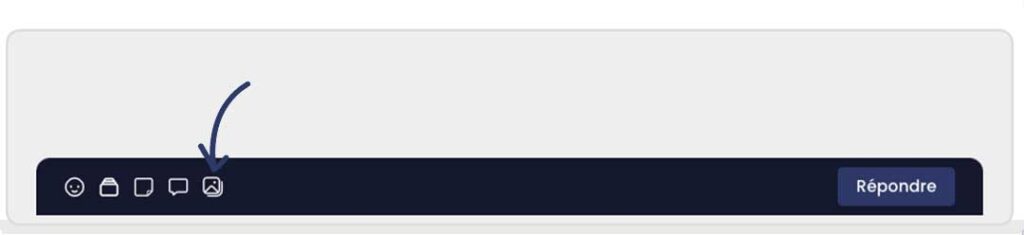
To do this, you need to click on the image icon (below) and then select the media in question from your device.
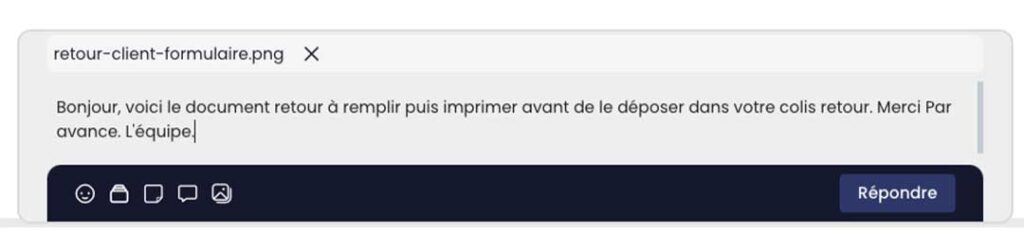
Once the file has been imported, you should see the attachment above your message. You can delete it by clicking on the believe button to the right of your file name.
Important: You can only import image (JPG, PNG, GIF), audio (.mp3) and videos in .MP4 format
You can also send PDFs via the moderation app.
Was this article helpful?
Support Dailyfy
Still need help?
Our team is here when the documentation does not answer your question.